The Ditch Hotel Controls Guide
Every key, button, and HUD action you need before your next knock.
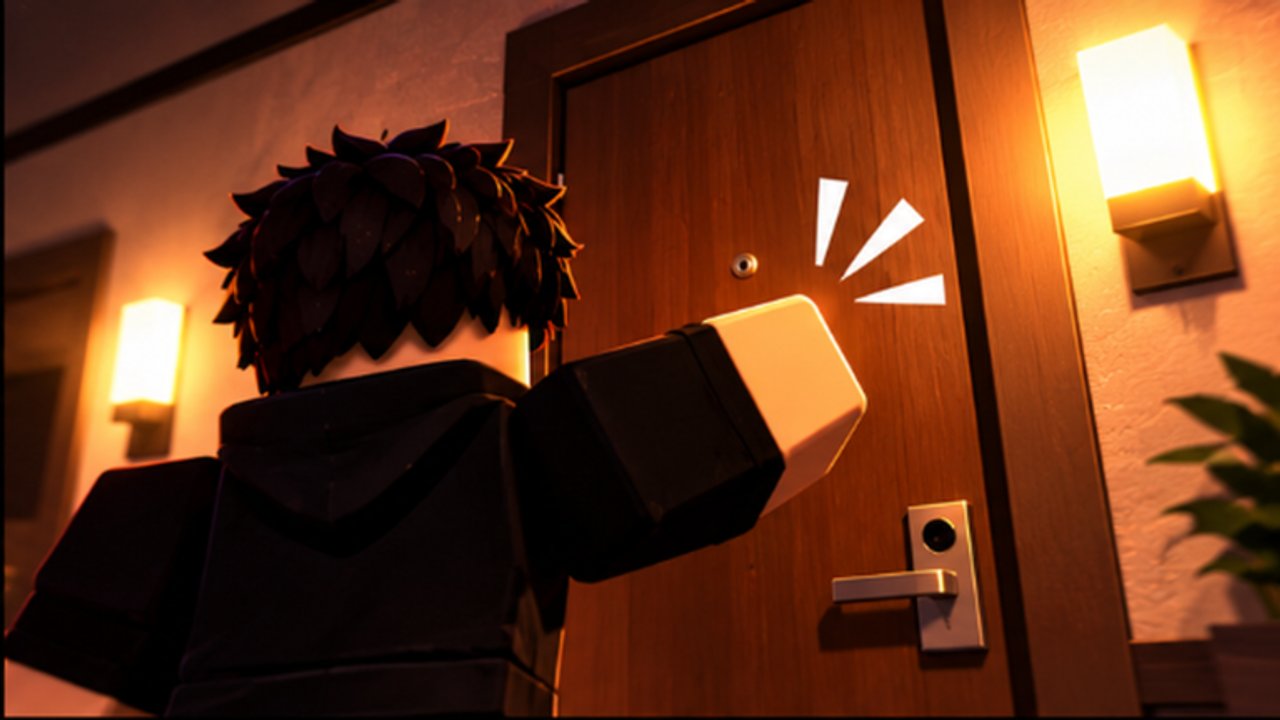
This Controls Guide maps every practical input in The Ditch Hotel on Roblox so you stop guessing mid-chase. Movement, interact / knock, the Codes menu, linen lockers, the phone camera, elevators, shops, Pushes, Revives, difficulty and map select, plus mobile and focus tips—all live here. Pair it with Getting Started for the full loop, the Difficulties Guide when you raise the stakes, the Gift Shop Guide for permanent doubles, and the Guides Hub for deeper walkthroughs.
Movement and stamina
On keyboard, move with WASD. Controllers use the left stick. Touch players use the on-screen joystick. Sprint drains a stamina bar—empty lungs mid-hallway is how most Easy deaths still happen. Walk empty safe segments, then sprint only to break line of sight or finish a stair escape. Stamina upgrades to Level 10 and Gift Shop 2x Stamina multiply good habits; they do not forgive holding sprint from the first door to the last.
Practice one Hotel wing until you know which corners need a burst and which halls you can walk. That muscle memory matters more than any single Knock Shop purchase.
Interact, knock, and doors
Approach a door and use the platform interact control: E on keyboard, the on-screen interact button on mobile, or the controller interact binding. That same interact family drives knocks and many world prompts. Knock styles from the Knock Shop change the animation and noise—Air Horn, Toon Hammer, Fart, Pizza Delivery, Sledgehammer, Flying Kick, and twenty-plus other options—but the input to start the knock stays the interact action.
Leave the doorway the instant the knock resolves. Watching the full open for fun is the most common control-adjacent mistake: your fingers worked; your feet did not. For hide timing after a loud knock, see How to Hide.
Codes menu: HUD button or C
Open Codes with the Codes button on the bottom HUD or press C on keyboard. Paste carefully—codes are case-sensitive—and redeem before you grind. Full redeem steps live on How to Redeem Codes; the live list sits on the Codes hub.
Focus tip: click the Roblox game window so keyboard C reaches the experience. If chat owns focus, C types into chat instead of opening Codes. Close or unfocus chat when you intend to redeem. On mobile, open Codes from the HUD button; landscape orientation keeps the button readable, and disable autocorrect before pasting or you will corrupt the string.
Linen lockers and hold breath
Enter a linen locker to hide. While hidden, hold breath as the game requires so detection windows stay short. Plan the locker before you knock; interact to enter, hold breath for the full safe window, then leave only when audio and sightlines feel clear. Closet Hide upgrades and Gift Shop 2x Closet Hide extend forgiveness—they do not replace breath discipline. Deep locker tactics stay on How to Hide.
Phone: film ditches and jumpscares
Your in-game phone lets you film ditches and jumpscare bits between attempts. Use it in safe lobby moments or after a clean escape—not while a teammate is holding breath in a locker or while you still need doors for the goal. Funny clips are part of the culture; they should never steal the interact focus mid-chase.
Elevators and server size
Elevators seat up to four friends per ride with shared knock rewards. Public servers hold up to sixteen players. Co-op callouts (“locker left,” “stairs clear”) matter as much as the ride itself. Full party habits are in Play with Friends.
Shops, upgrades, Pushes, and Revives
Knock Shop — twenty-five-plus styles including Air Horn, Toon Hammer, Fart, Pizza Delivery, Sledgehammer, and Flying Kick. Buy utility (escape and quiet defaults) before comedy noise.
Gift Shop — 2x Speed, 2x Stamina, 2x Closet Hide, 2x Money, and VIP. Match the double to your failure mode: stamina or hide for chases, money for farm sessions you already survive. Full spend order lives on the Tools hub.
Upgrades — Stamina, Money, and Closet Hide each climb to Level 10. Treat those three as the progression spine.
Pushes create separation in lethal chases—spend them on gun doors or stacked responders, not every Grandma scare. Revives recover failed runs so Cash and upgrade progress are not wiped by one mistake. Codes often grant both; treat them as insurance while you learn inputs under pressure.
Difficulty and map select
Before a run, pick difficulty: Easy, Hard, Difficult, or IMPOSSIBLE. Door goals and chase pressure rise with each step. Stay on Easy until escapes feel routine, then climb. Escape structure and high-difficulty tips are in How to Escape; the beginner framing is in Getting Started.
Pick a map next: Hotel (readable hallways and lockers), Neighborhood (party houses with high payouts and party-wide chases), or Ditchwood Middle School (multi-floor routes, TEST IN PROGRESS double cash, Principal on noise). Map choice is a control decision as much as a strategy one—load the layout your fingers already know when you are testing a new knock style.
Mobile and accessibility notes
- Prefer landscape so the bottom HUD (including Codes) stays usable.
- Use the on-screen interact control for knocks and lockers; do not hunt for a keyboard E that is not there.
- Turn off autocorrect before pasting codes.
- On PC, click into the game so C and movement keys bind to the experience, not the browser or chat.
- Close chat when you need Codes or clean WASD; accidental chat focus is a silent run killer.
- Controllers: confirm your interact and sprint bindings in Roblox settings before a Difficult climb.
Practice drill (ten minutes)
- Click the game window, open Codes with C or the HUD button, redeem everything on the Codes list.
- On Easy Hotel, walk a safe hall, sprint one corner, and stop—feel the stamina bar.
- Knock once with interact, leave immediately, enter a linen locker, hold breath, exit clean.
- Open Knock Shop and Gift Shop only to locate them; buy nothing until Stamina / Closet Hide priorities are clear on Tools.
- Ride an elevator with friends if available, then finish one Easy escape without post-goal greed.
When inputs feel automatic, raise difficulty or switch maps. If C ever “stops working,” fix focus and chat first—do not assume the keybind vanished. For chaser faces after controls click, skim Players; for style priority after you can escape, use the Tier List.
Clean controls do not make The Ditch Hotel easy—they make every other guide usable. Master movement, interact, Codes, lockers, and shop navigation once, then spend your attention on routes, breath, and door goals instead of hunting buttons while Grandma closes the gap.
Frequently Asked Questions
Quick answers about codes, knocks, lockers, and escapes in The Ditch Hotel.
How do I open codes in The Ditch Hotel?
Use the Codes button on the bottom HUD or press C on keyboard. Click the game window first so C does not type into chat, then paste the code exactly.
What key do I use to knock on doors?
Use the platform interact control—E on keyboard, the mobile interact button, or your controller interact binding—then leave the doorway immediately after the knock.
How do linen lockers work?
Enter a linen locker to hide and hold breath while inside. Plan the locker before each knock and leave only when sightlines and audio feel clear.
Why does the C key not open Codes?
Chat or another window likely has focus. Click the Roblox game view, close chat, and try C again—or use the bottom HUD Codes button.
What should mobile players watch for?
Play in landscape for a readable HUD, use on-screen interact for knocks and lockers, and disable autocorrect before pasting codes.
How many players fit in an elevator?
Up to four friends per elevator ride; public servers hold up to sixteen players. See Play with Friends for co-op habits.